Get started with BrainBox
For the current workspace and local installation guide, visit the BrainBox site.
FOR MATERIAL THAT CANNOT GO TO A CLOUD
Private AI for your archive.
On a machine you own.
Your documents, email, recordings, photos, and AI chat history, searched and answered on the machine, with the page it came from. Mac mini, NVIDIA DGX Spark, Jetson, or a Raspberry Pi 5. Disconnect the network. It still answers.
A real answer, with its source.
Asked of a sample archive, answered by an open model on a base M2 laptop with the network off. The number is how long it took.
The sample is a fictional bakery planning a third shop: a plan, a lease, supplier prices, landlord emails, a voice memo, a photo, two chat exports. Eleven pages.
Everything in. Answers out. Nothing leaves.
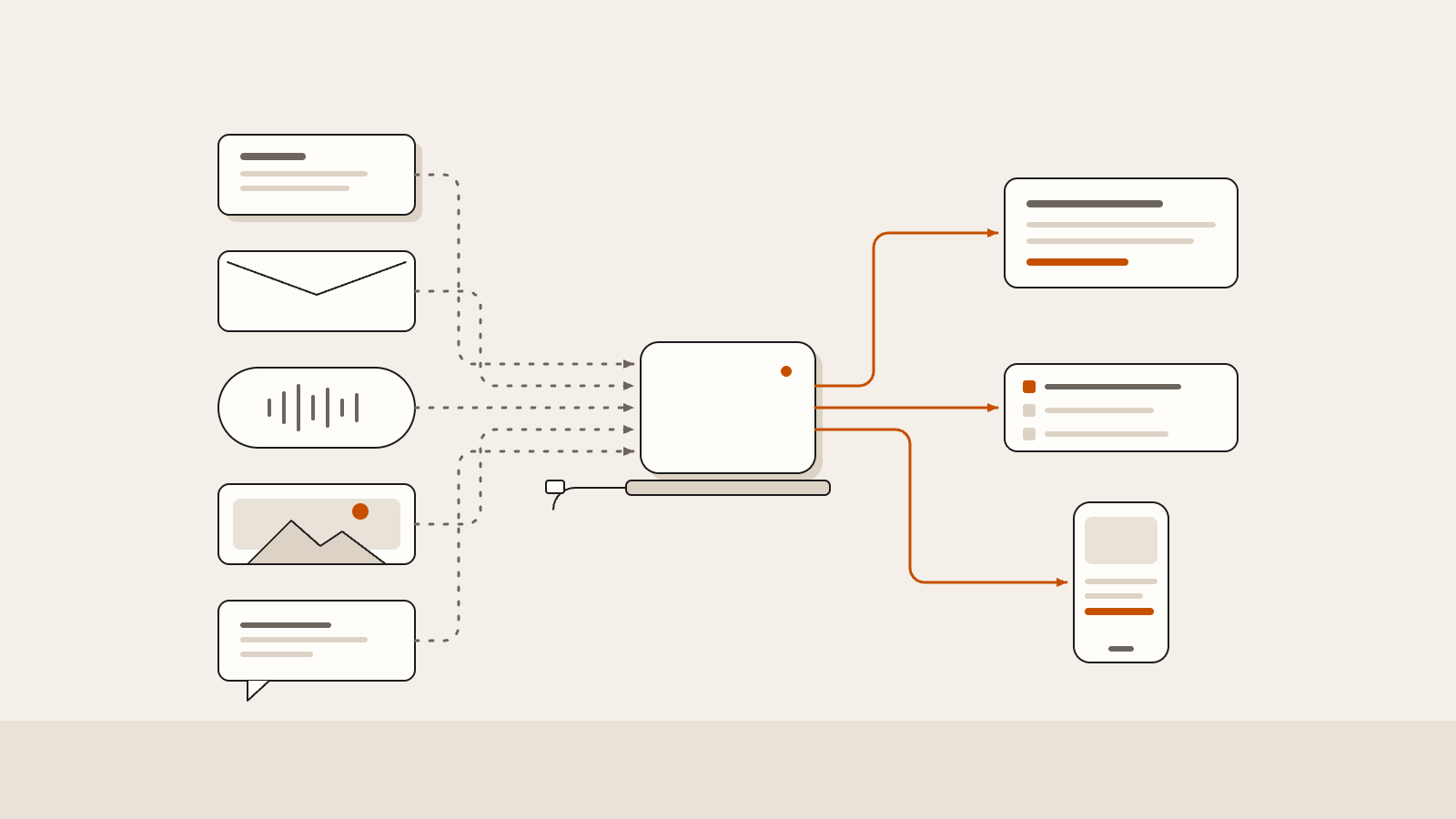
Files go in. The index and the model live on the box. Answers, search, and the phone view come out. The cable stays out.
What you get
- Knowledge base
- Your archive, indexed on your own machine. Word, PDF, mail exports, recordings, photos, chat exports.
- Search and chat
- One search across every file type. Answers that quote the page and name the model.
- Feedback loop
- Each question and correction is logged locally and feeds a nightly evaluation. The system is measured, not guessed.
- Services
- Fine-tuning on your material, accuracy work against your own benchmark, model upgrades, and support. See services.
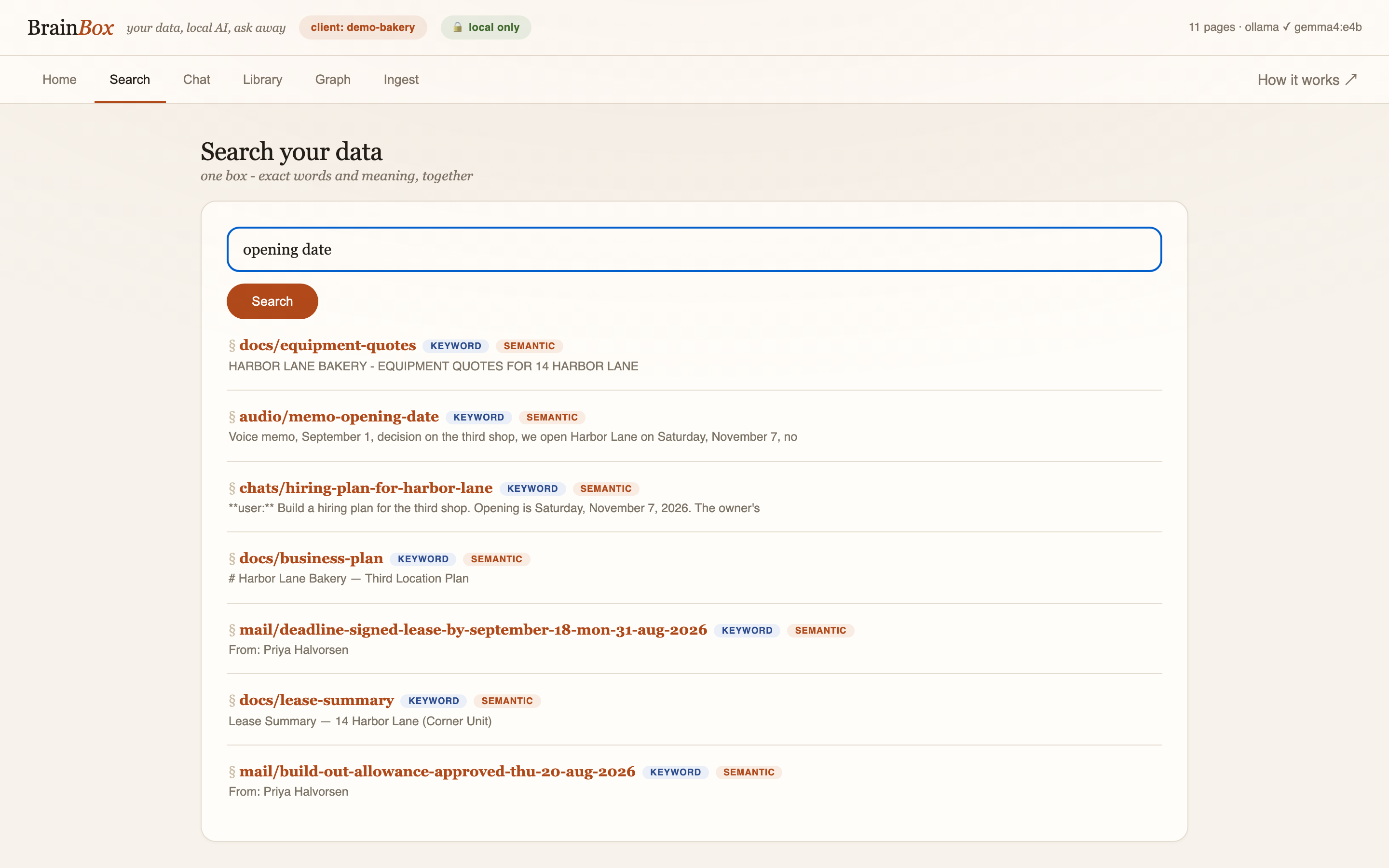
Everything you have, one search
A document, an email, and a recording come back in one list, each with its source.
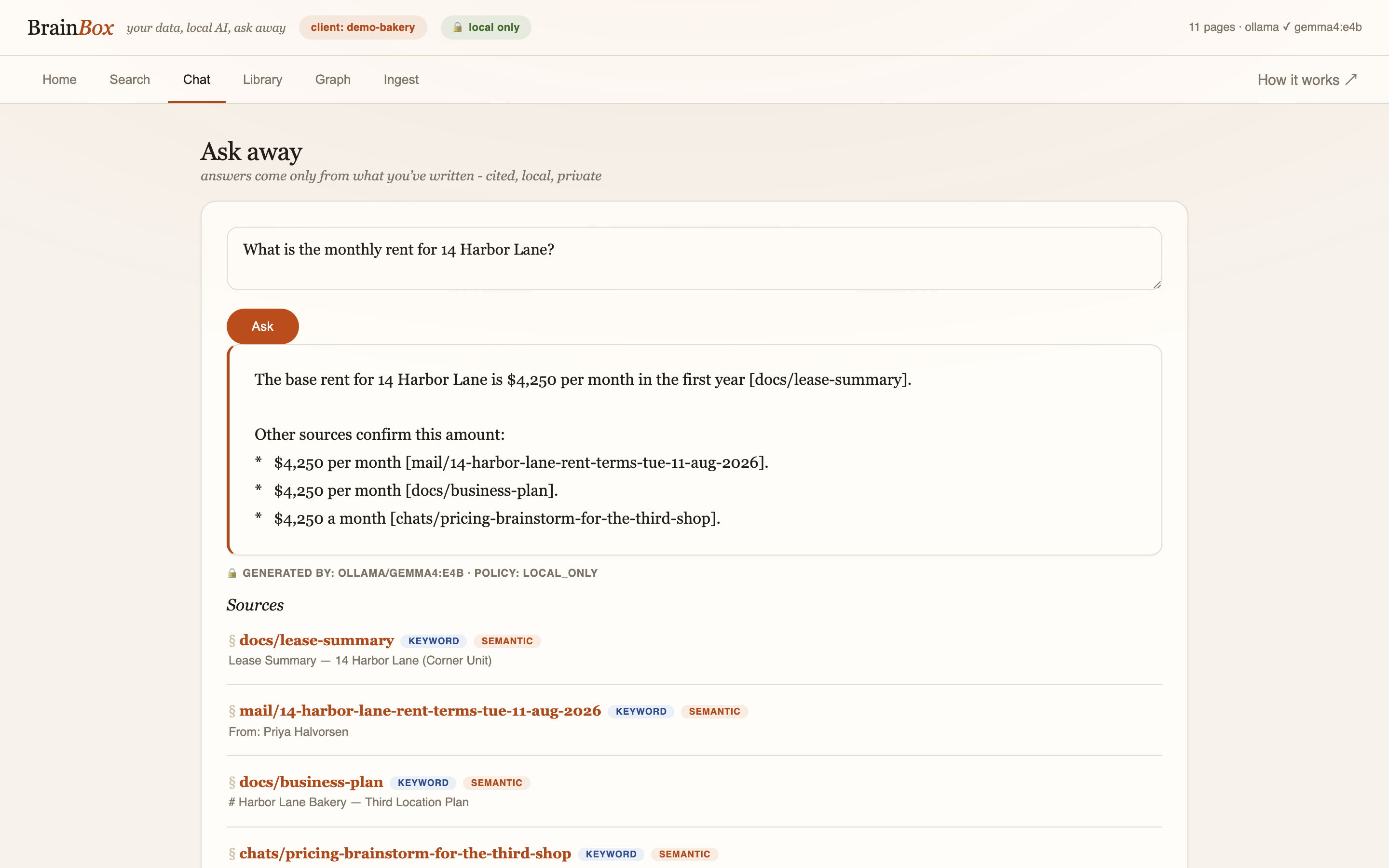
Answers you can check
Ask in plain language. The answer quotes the passage and names the page, the model, and the time it took.
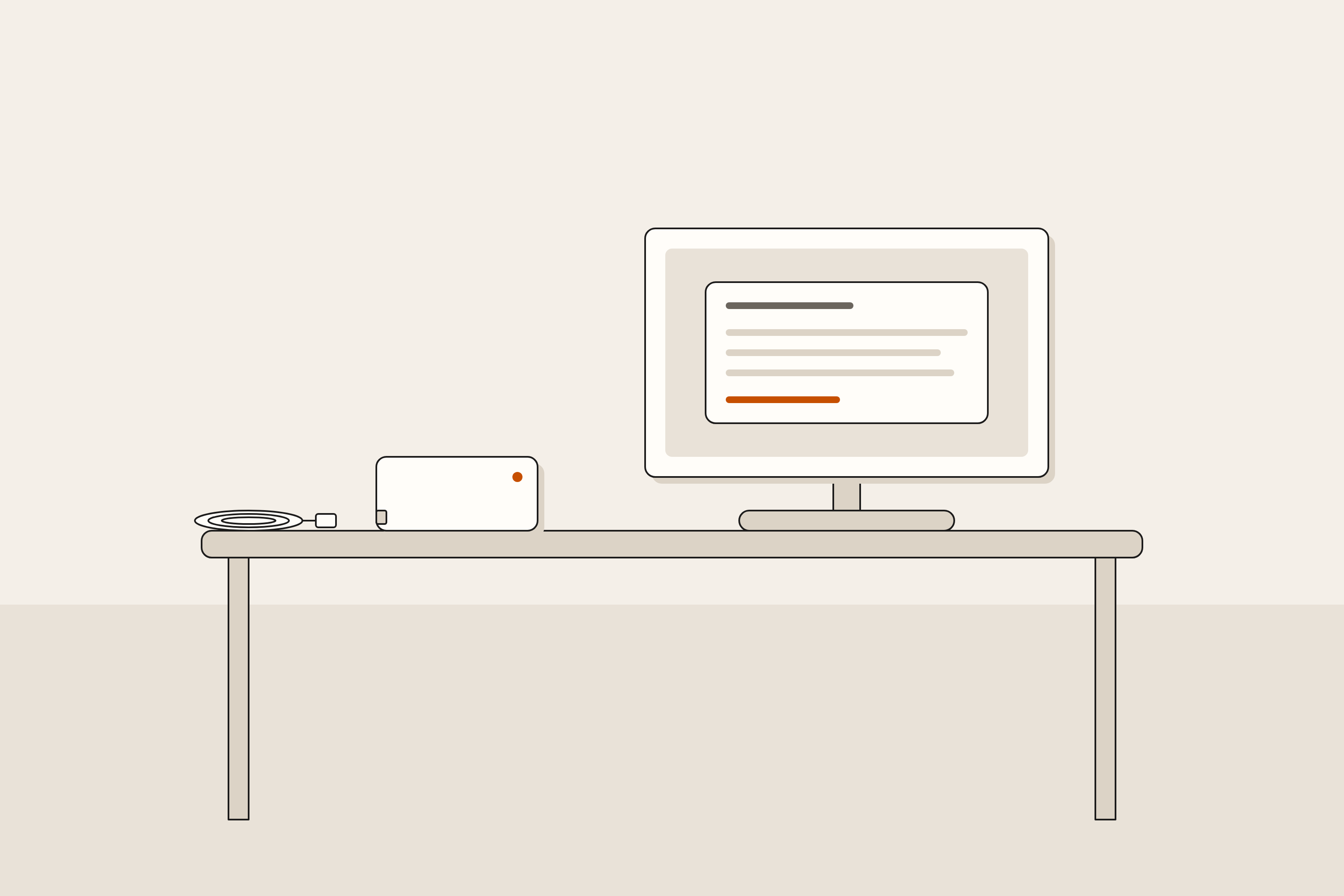
You can see every packet
BrainBox, the index, and the model make no network calls. Homenest lists every process and every outbound connection on the box, and alerts your phone if the list changes. What we promise, exactly.
Measured, not estimated
Same archive, same twelve questions, two machines we own. Projected rows for machines we have not tested yet are marked as such.
| Machine | Model | Facts | Cites | Median s | Gen tok/s |
|---|
Why now
Two ways to get it
Install it yourself
Open source, Apache-2.0. One command on a Mac with 16 GB or more. Linux (Jetson, DGX Spark, Raspberry Pi 5) by hand today; one-command Linux install is next.
curl -fsSL https://raw.githubusercontent.com/jravinder/brainbox/main/install.sh | bashInstall guide arrow_forward
We set it up at your desk
On a Mac you keep. Tested backup at handover. 90 days on call. We never hold your data. From $7,500.
Request white glove arrow_forward